
How to Play Deadlock Right Now: Invite-Only Access Explained
Deadlock is currently distributed as an invite-only playtest, so there is no store page you can simply buy it from — access has to be handed to you by Valve or by someone who already has it. This guide walks through every method the community uses to get in, from meeting the basic account requirements to accepting the invite and installing the game.
The steps below are based on community-reported information, not an official Valve announcement. Valve has not published an official Deadlock release date, so treat all invite details as player experience rather than confirmed fact.
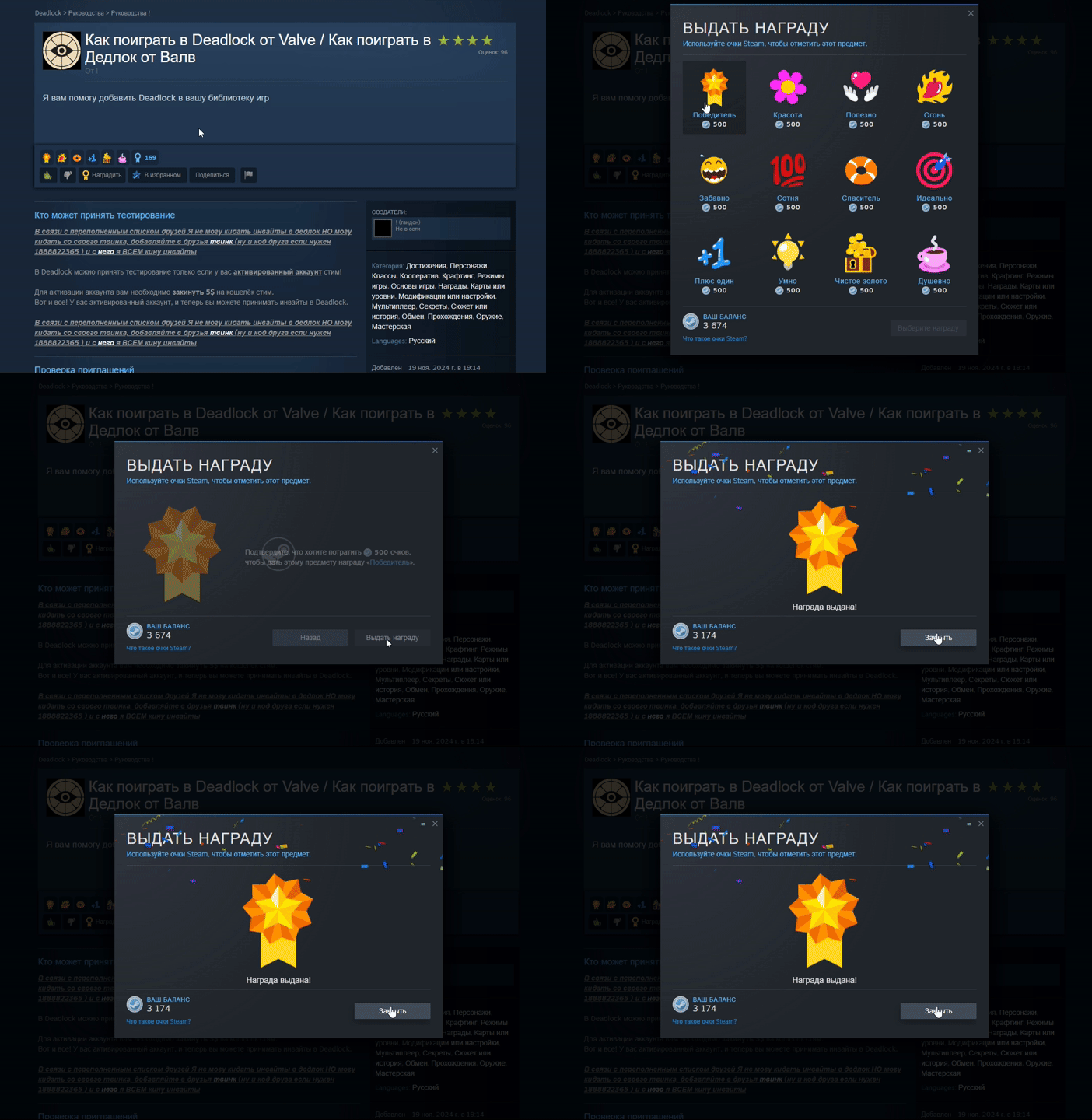
Step 1 — Make Sure Your Steam Account Is Activated
Before any invite can be accepted, your Steam account has to be activated. In practice, community members report that an account must have spent money on Steam to count as activated.
The commonly shared threshold is a $5 top-up to your Steam Wallet. Once that purchase has cleared, your account is considered activated and becomes eligible to accept Deadlock invites. If you have already bought a paid game on Steam in the past, your account is very likely already activated — but a completely free, never-funded account usually is not.
Step 2 — Get an Invite From Someone Who Already Has Access
If Valve has not invited you directly, you need an invite from someone who already has Deadlock access. There are two community-reported ways to make that happen:
- A friend in your Steam friends list who already owns the playtest can send you an invite from their own account.
- Community members who are sharing invites — some players publicly offer to send invites to anyone who adds them. (Because these accounts have limited friend slots and come and go, a shareable friend code is sometimes offered as an alternative to a direct friend request.)
A few important notes from these community invite runs:
- Some invite-givers report that their main account’s friend list is full, so they send invites from a secondary (twink) account.
- If your account is blocked from sending friend requests too frequently, you can add the giver by their friend code instead — paste the code into the “Add Friend” field.
- Invite-sharing is done manually and in daily batches, so give the giver time to work through the requests.
Step 3 — Wait for the Invite to Arrive (Timing Matters)
Once you have been invited, you wait for Valve’s system to process it. Based on what community inviters report:
- The typical wait is within 30 minutes of the invite being sent.
- A small number of cases take longer — up to around 3 hours, or even the next day — though this is described as rare.
- Player feedback suggests Valve approves invites in batches: when one batch is released, several people who were invited at different times receive their invite within the same minute or two.
So if your invite does not appear immediately, it is usually not a bug — just wait rather than asking for it to be re-sent.
Step 4 — Check for a Pending Invite You May Have Missed
If you were invited in the past but never claimed it, the invite may still be waiting for you. Head to the Deadlock store/test page and look for an “Accept Test” (or similarly named) button.
Clicking that button is what actually grants you access. Until you press it, the game will not appear in your library even though an invite was sent.
Step 5 — Add Deadlock to Your Library and Download It
After accepting the invite, Deadlock will appear in your Steam Library (it is listed under App ID 1422450). From there, all that is left to do is press Install, download the client, and launch the game. You can then jump straight into a match with your friends.
Quick Tips Before You Seek an Invite
- Activate your account first. A never-funded account cannot accept the invite — sort out the wallet top-up before asking anyone.
- Be patient with invite-givers. They are players sharing invites manually, often on a daily schedule, not a support desk.
- Don’t send duplicate requests. Adding the same giver repeatedly can trigger Steam’s spam restrictions.
- Remember this is unpaid community sharing. Invite accounts can run out of friend slots or stop sharing at any time.
Is There a Deadlock Release Date From Valve?
At the time this community guidance was written, there is no official Deadlock release date published by Valve — the game is still operating as an invite-only playtest. Because access is currently granted through invites rather than an open store release, “getting a key” and “getting an invite” are the same thing right now.
Any information about a future launch date should be treated as unconfirmed until Valve publishes it through an official channel. If you just want to play today, the invite route described above is the only community-reported method available.
Summary
To play Deadlock before any official release:
- Activate your Steam account (community threshold: a $5 wallet top-up).
- Get an invite from a friend or a community invite-sharer.
- Wait — most invites arrive within 30 minutes, with rare longer delays.
- Click Accept Test on the invite page if you have a pending invite.
- Find Deadlock (App ID 1422450) in your library, download it, and play.